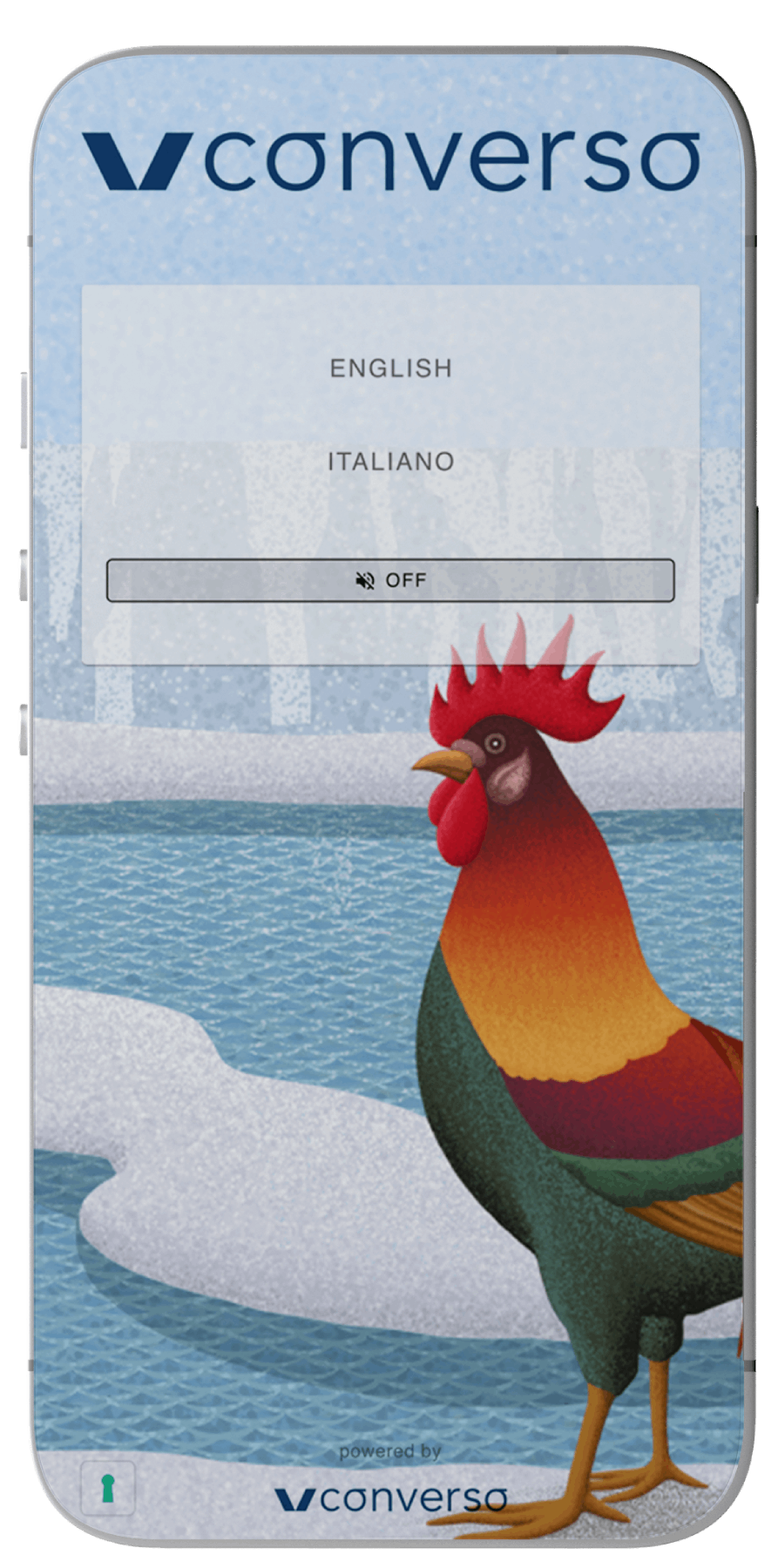
CONVERSO® WEB APP
SIMULTANEOUS TRANSLATION AND REAL-TIME AUDIO DIRECTLY FROM A BROWSER ON SMARTPHONE, TABLET, OR PC.
NO APP TO DOWNLOAD.
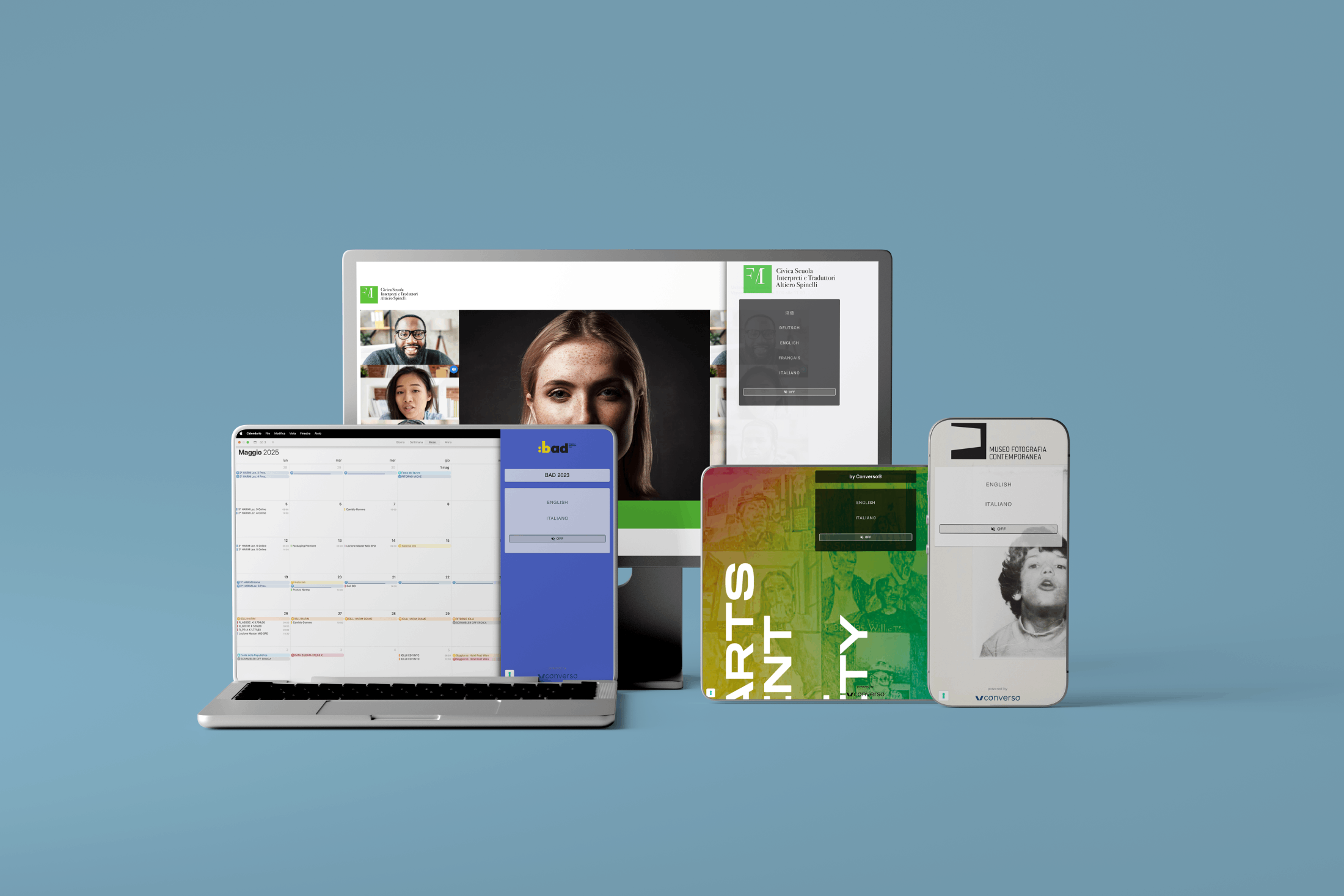
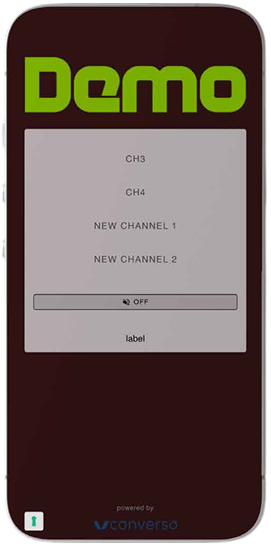
The page features a full-screen background image or color, and a logo at the top.
On request, all other elements can be customized via CSS.
Languages (or audio channels) can be displayed as buttons or in a dropdown menu, which is useful to avoid scrolling when many channels are available.
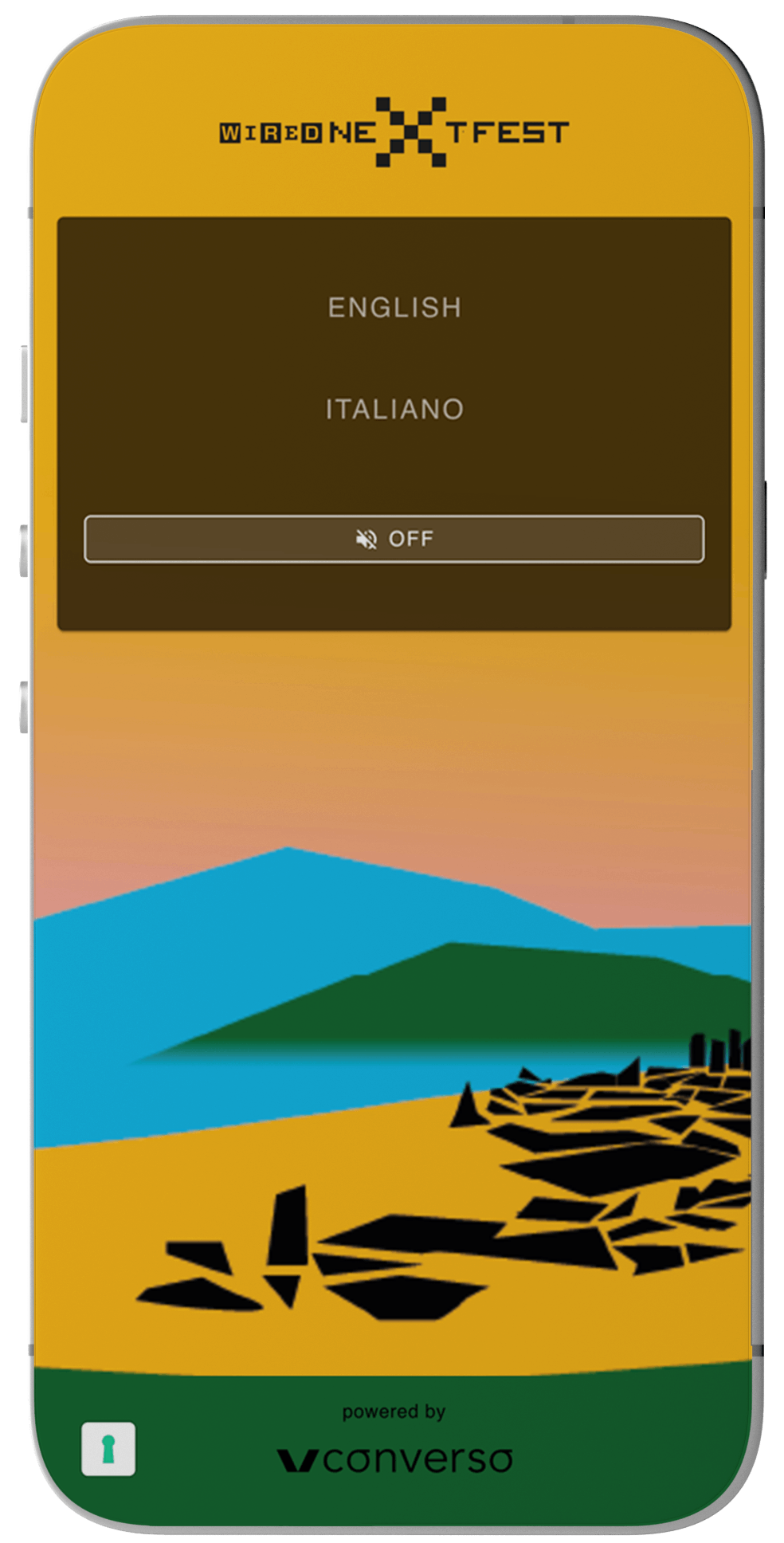
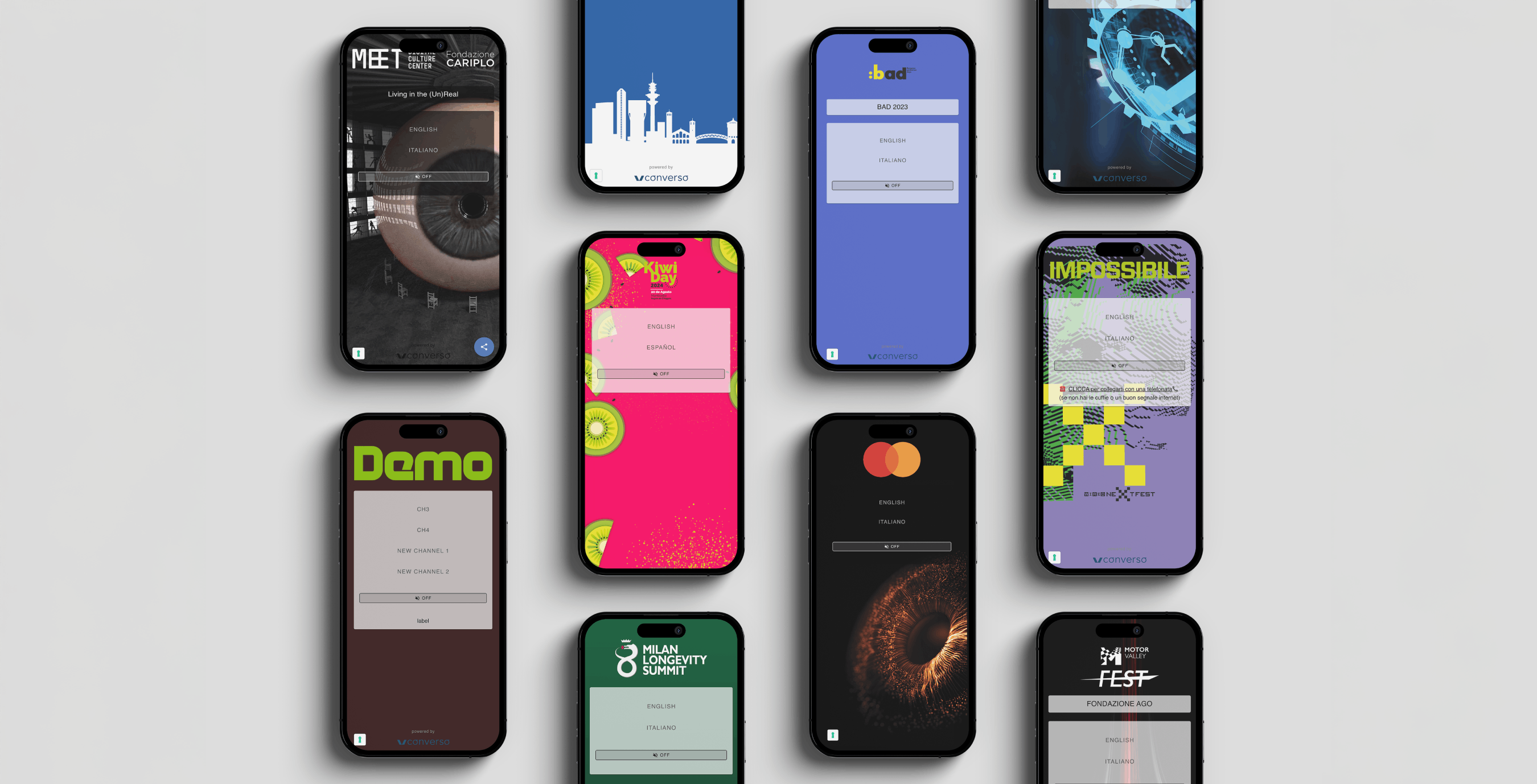
CUSTOMIZED
SKIN
SCAN THE QR CODE
Projected, printed, or displayed
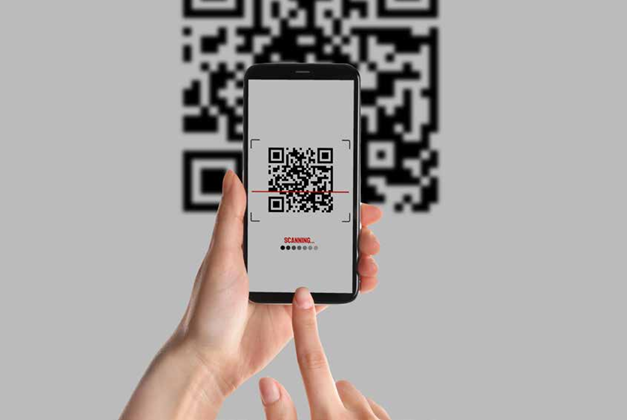
Each event has a personalized link like: https://pop.converso.app/EVENTNAME The most common shortcut to share the link is the QR code
ENTER THE LANGUAGE SELECTION
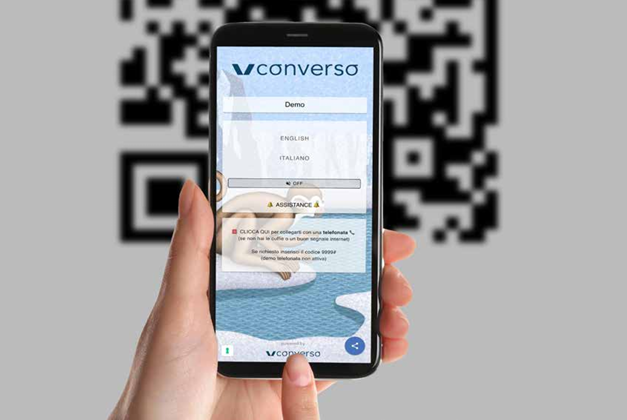
SHARE THE QR CODE AND LINK
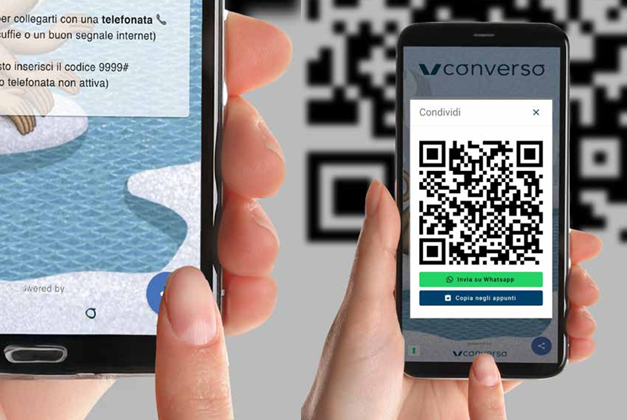
The app includes a button to share the QR code and link, also via WhatsApp or email
ACCESS: QR CODE
For more structured events, a landing page can be added with separate buttons for each room, or links to other event tools.
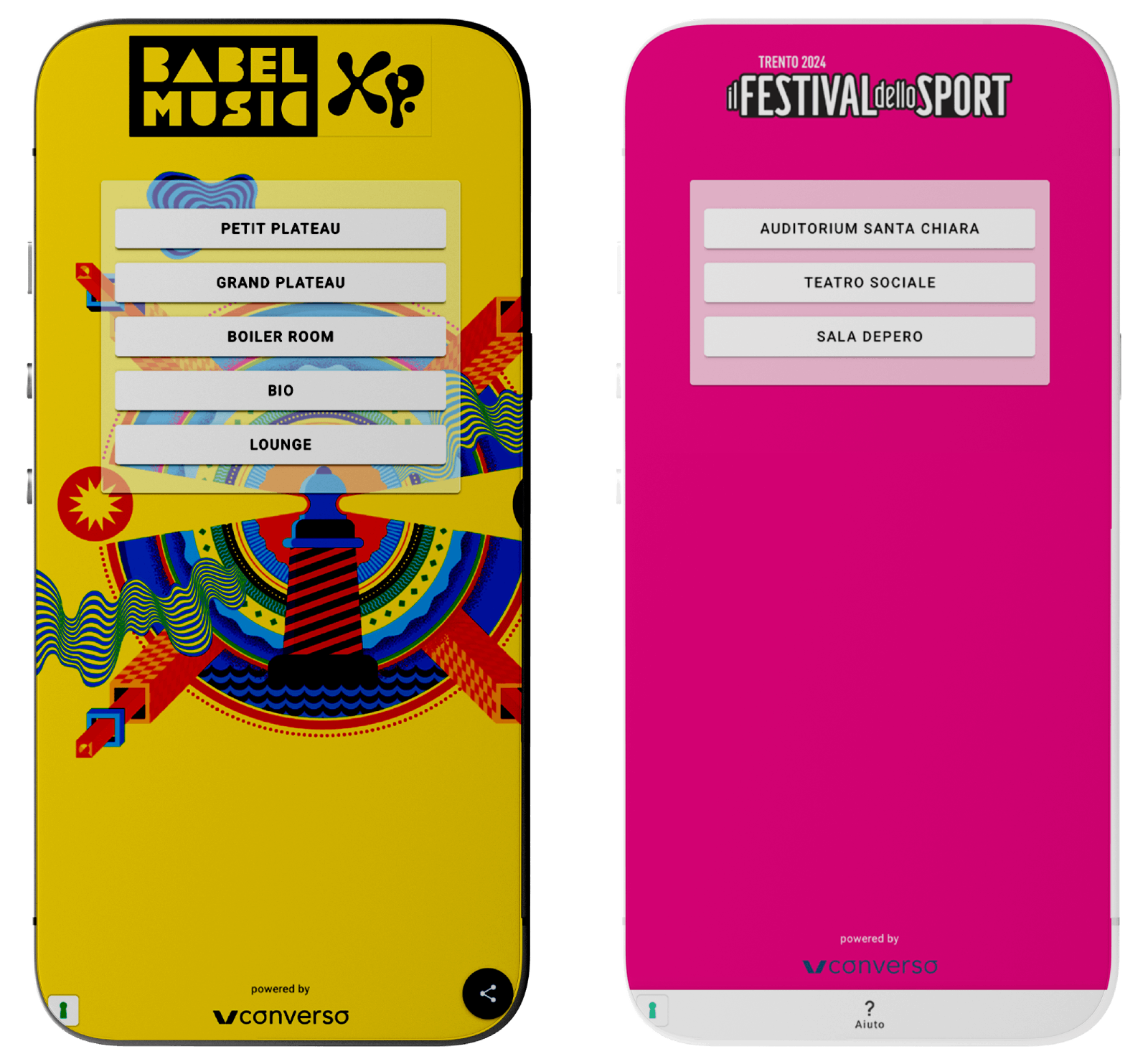
LANDING
PAGE
An infographic with instructions is provided along with the QR code, both as a web page and an open PDF.
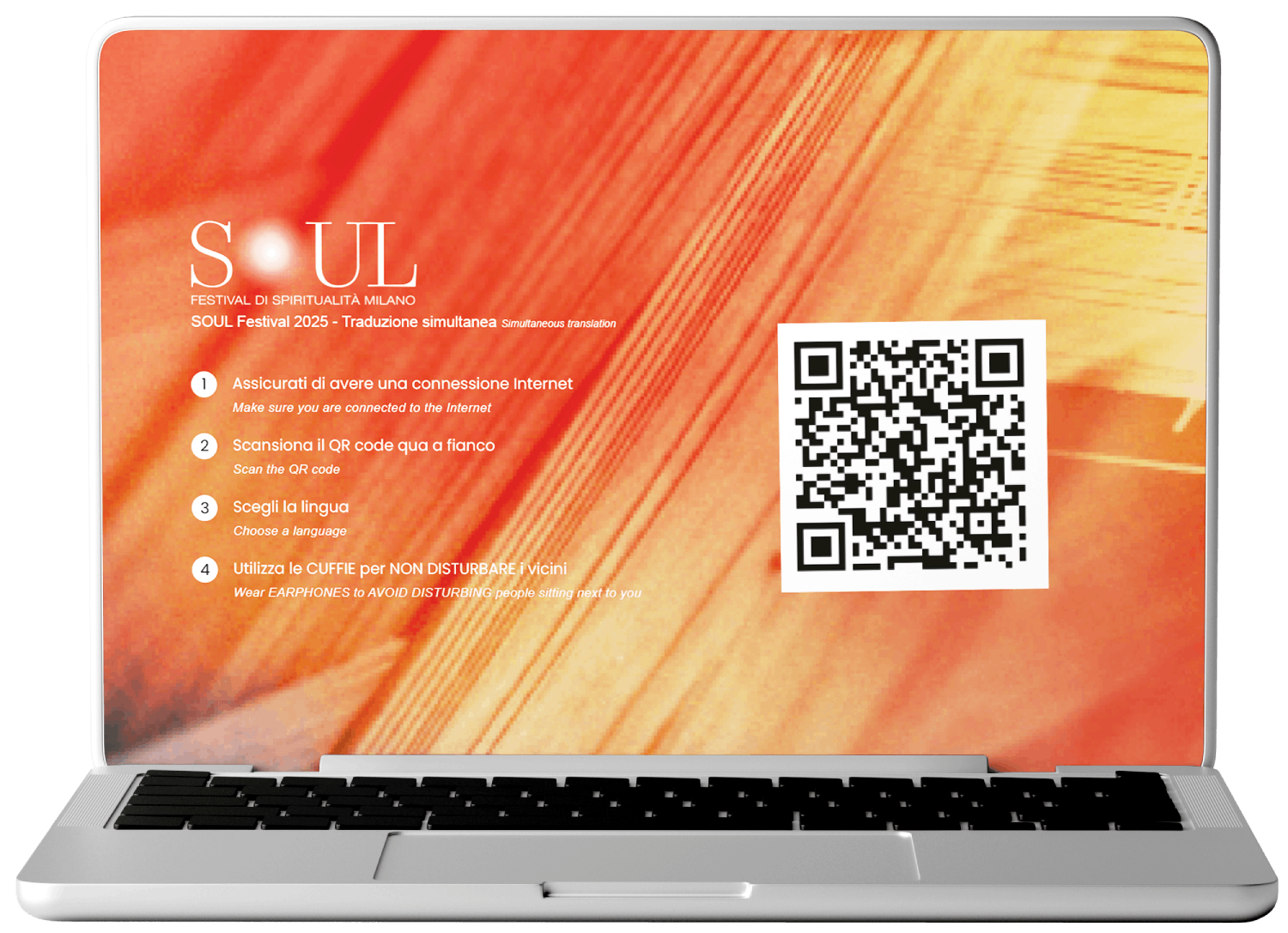
INFOGRAPHIC
For restricted-access events, a registration page can be added with various security levels such as: integration with corporate SSO systems (Single Sign-On), two-factor authentication, geographic or domain-based access restrictions..
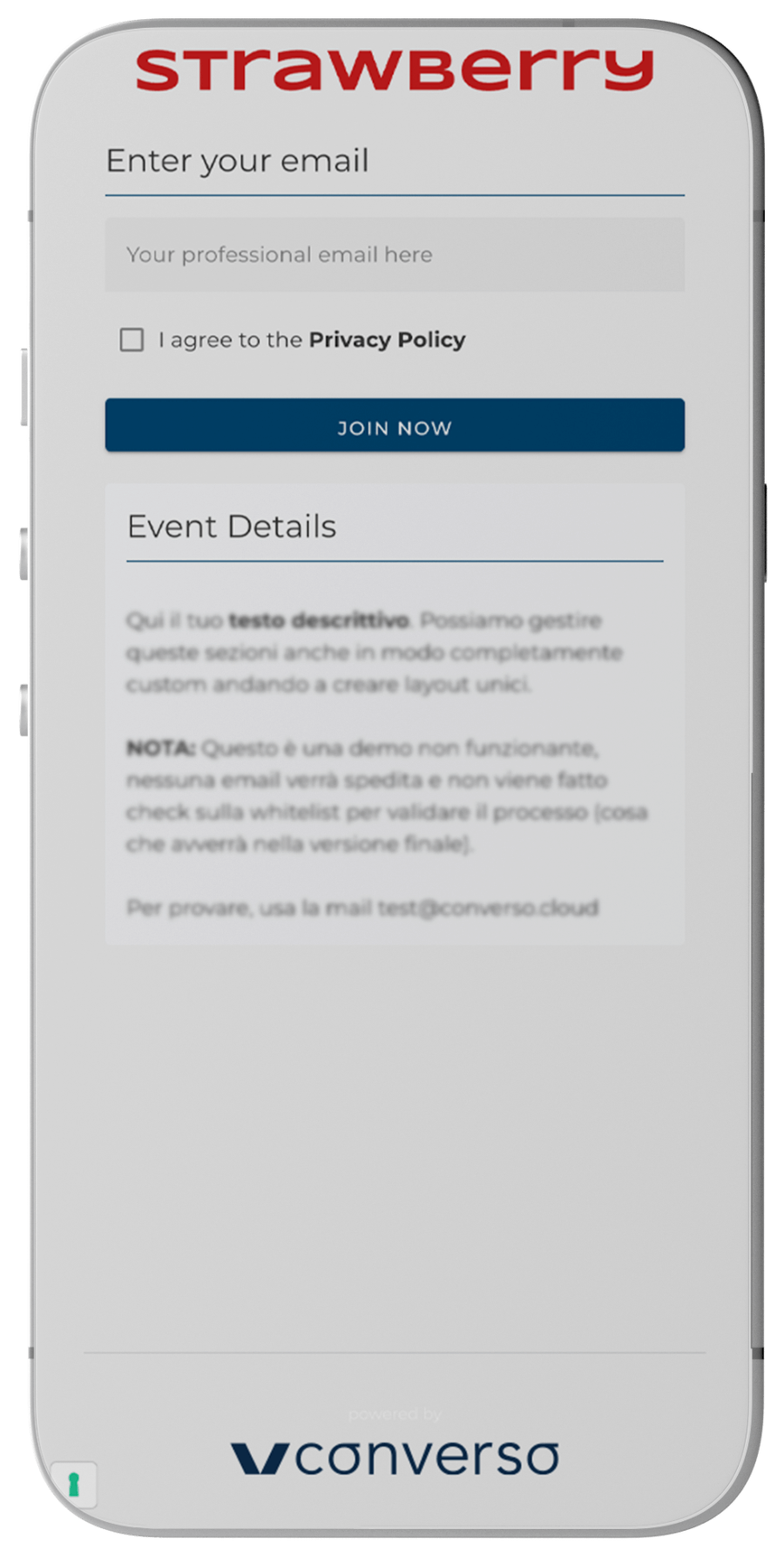
OPTIONAL:
REGISTRATION AND LOG-IN
A post-event usage report is available. General stats: number of users, location. User-level report: who joined, for how long, etc.
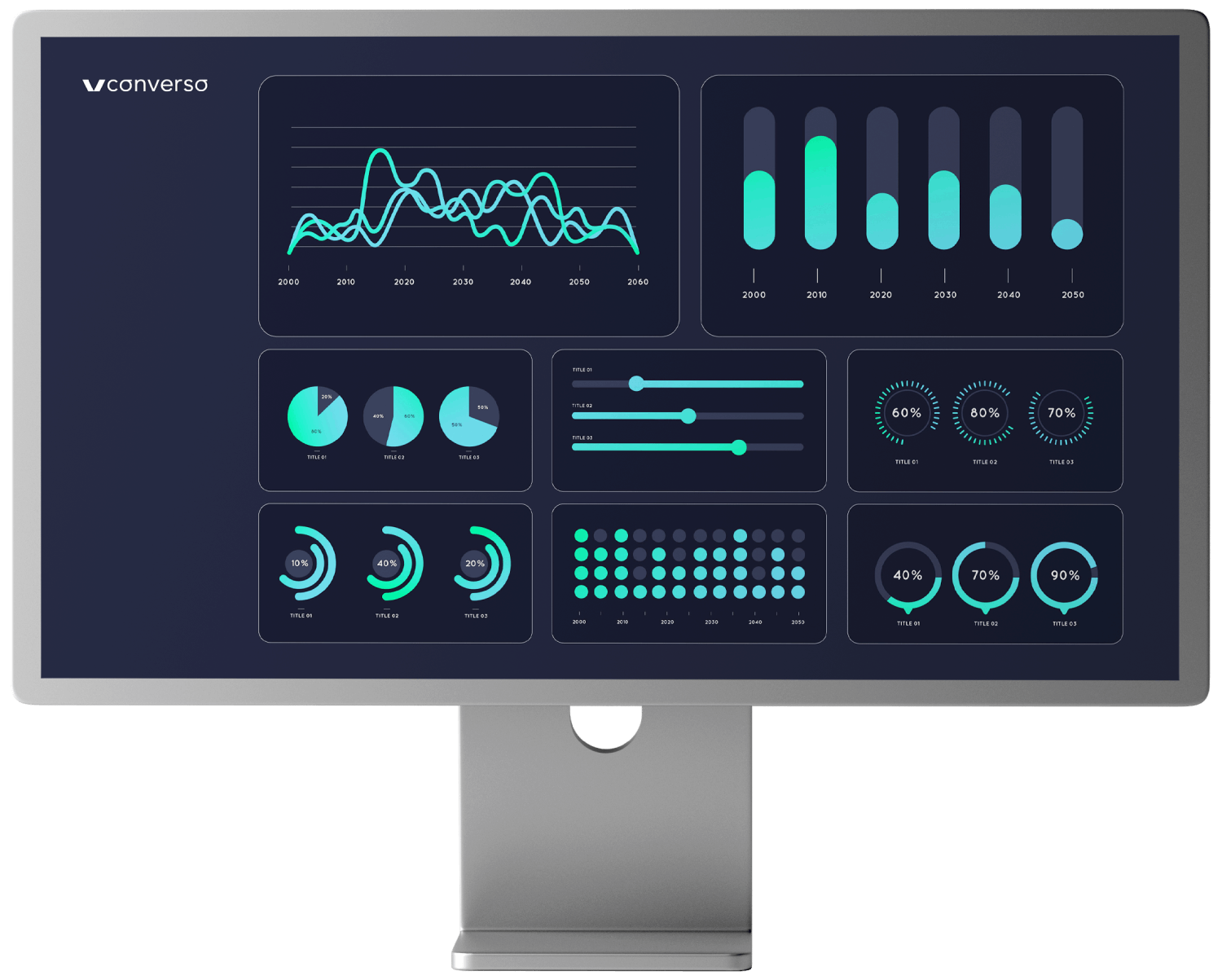
OPTIONAL:
STATISTICS
Earphones are required for listening. It is recommended to inform participants before and during the event.
On request and where feasible, we can provide a courtesy kit with smartphone adapters and disposable earphones.
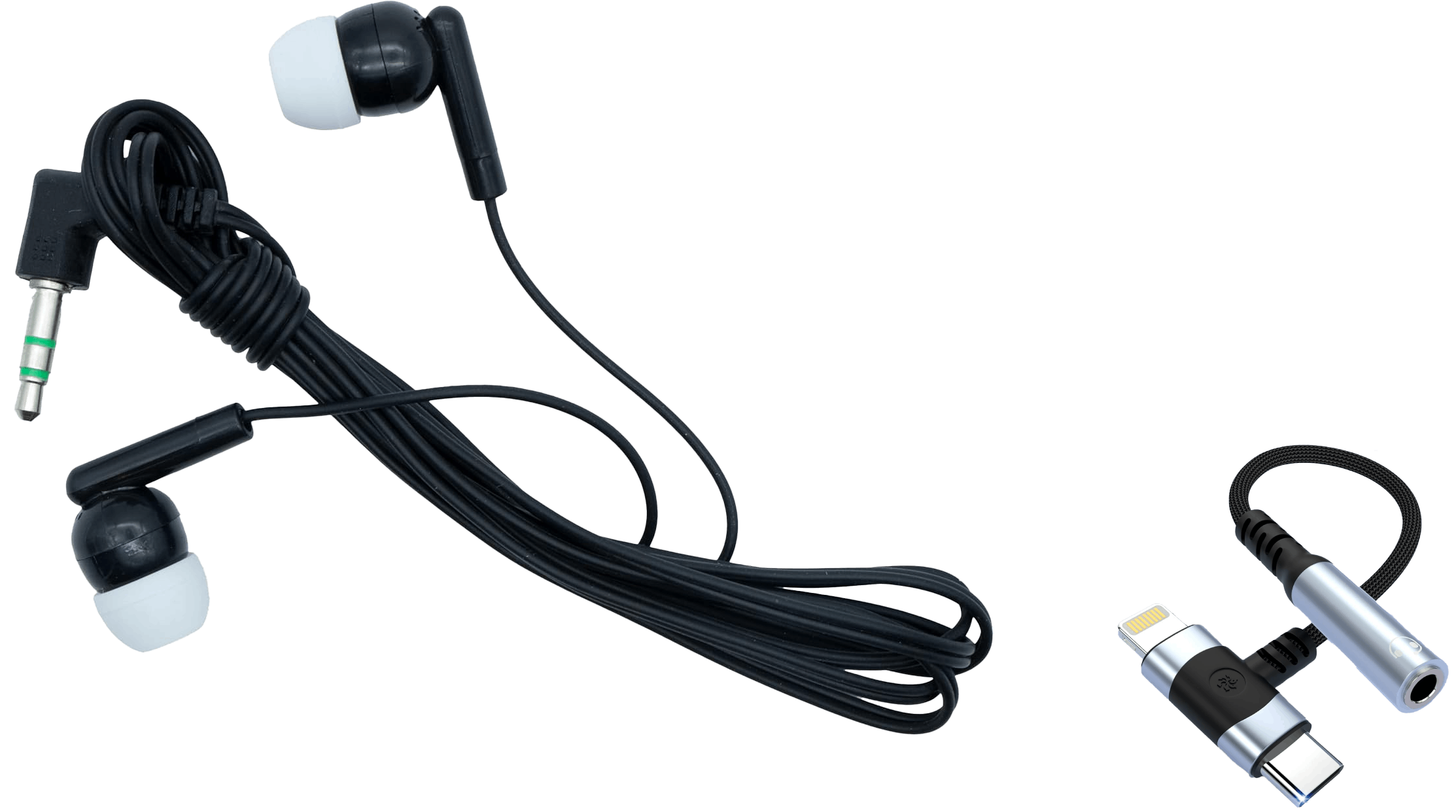
LISTENING
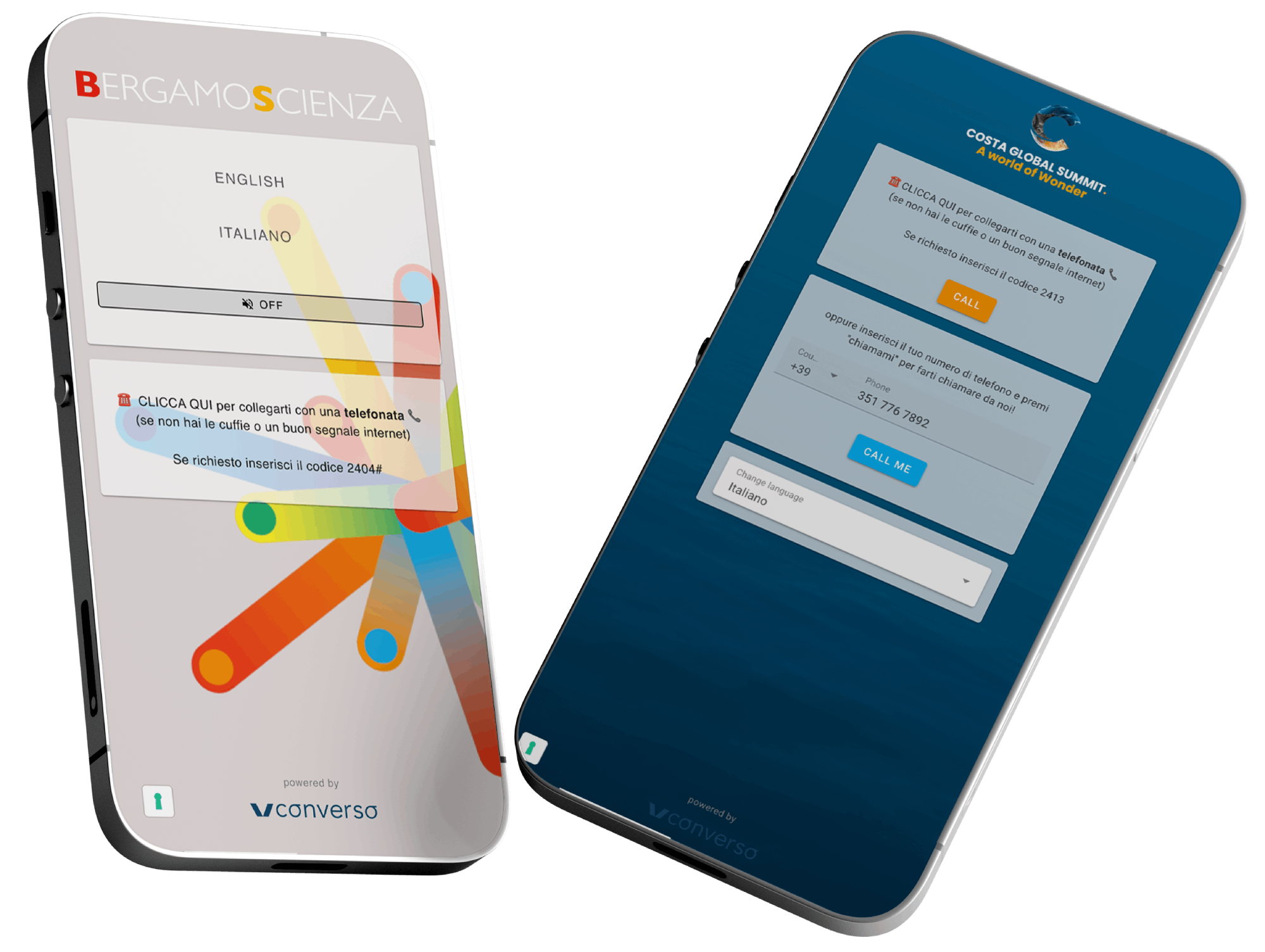
For users without an internet connection or earphones, a phone call option can be activated.
1.
Dial-in: a button appears on the page that dials the phone number and event code. The user simply places the call and enters the number for their chosen language..
2.
Dial-out: the user enters their phone number and the system calls them.
OPTIONAL:
PHONE BACKUP
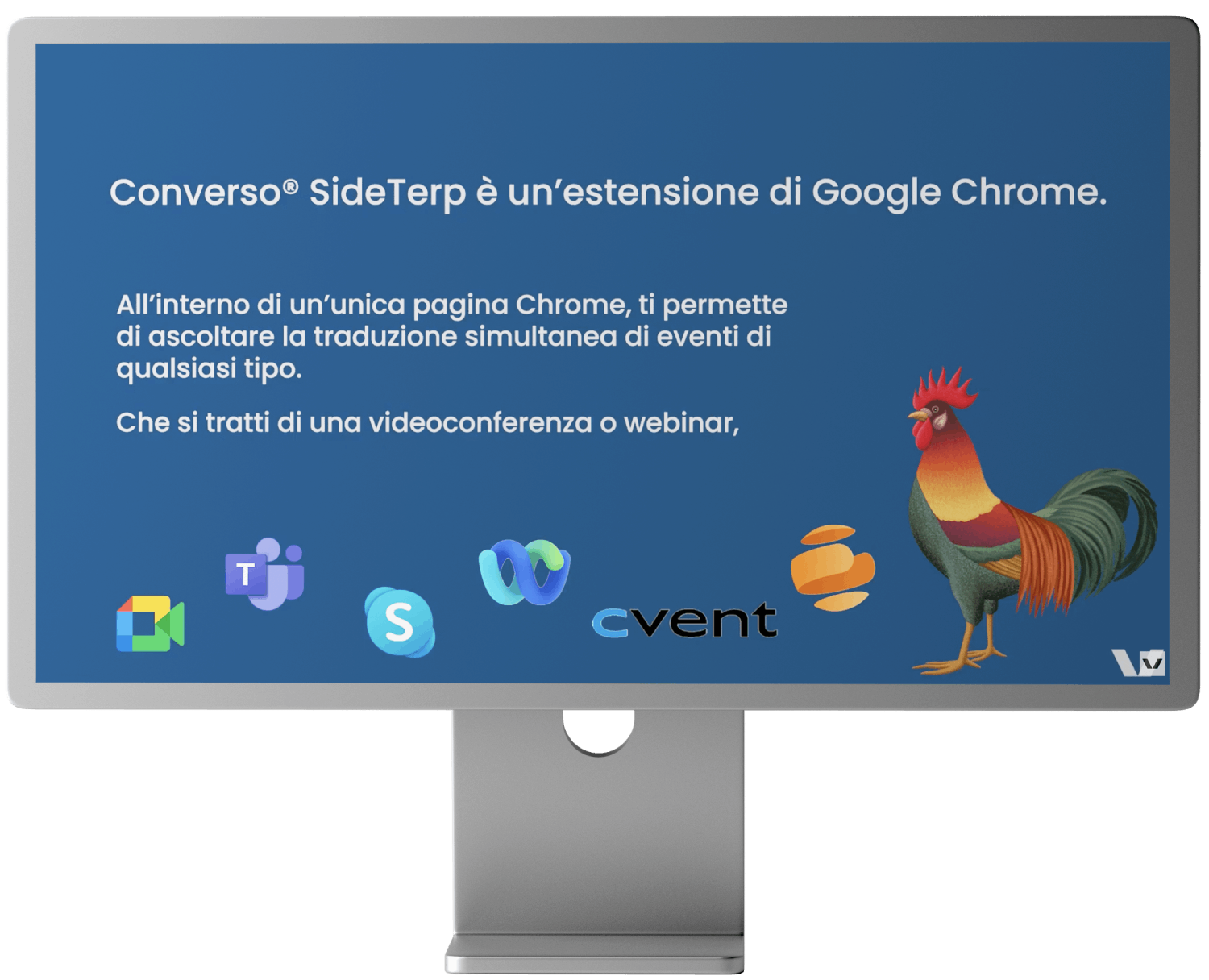
The web app is also available as a Google Chrome extension, allowing users to listen to the simultaneous interpretation directly from the event’s streaming page. It opens next to the video player, and the viewer simply selects their preferred language. SideTerp takes care of the rest, including muting the original audio when translation is active.
Click here to install SideTerp
OPTIONAL:
CHROME EXTENSION SIDETERP
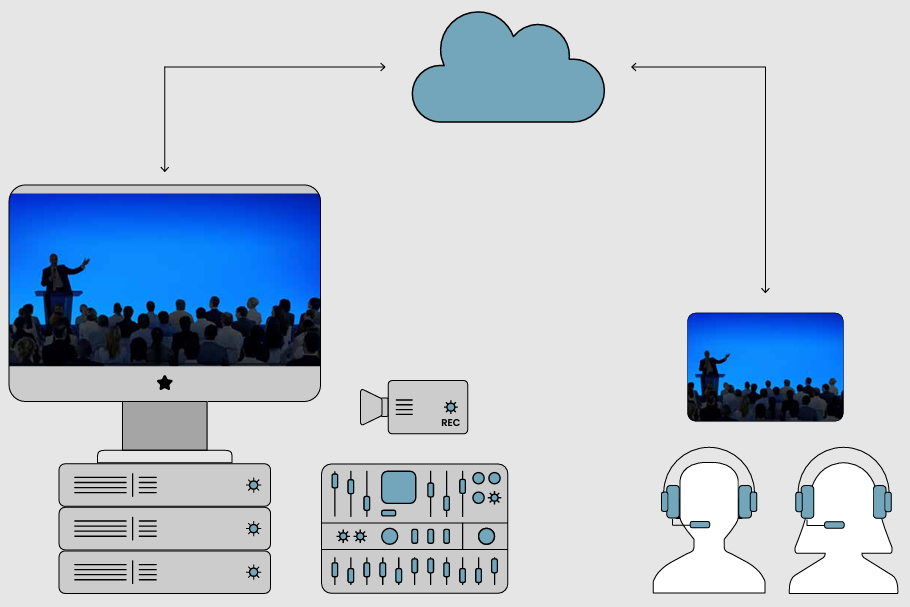
Several web interfaces are available for speaking within the app, depending on the type of event and user role.
For interpreters:
- Soft-console
- Floor-in
For production teams and technical staff:
- Streamer
- Audio out
For more complex events with streaming or broadcast production, non-web access is also available via SRT streams (point-to-point low latency).
TRANSMISSION:
AND INTERFACES
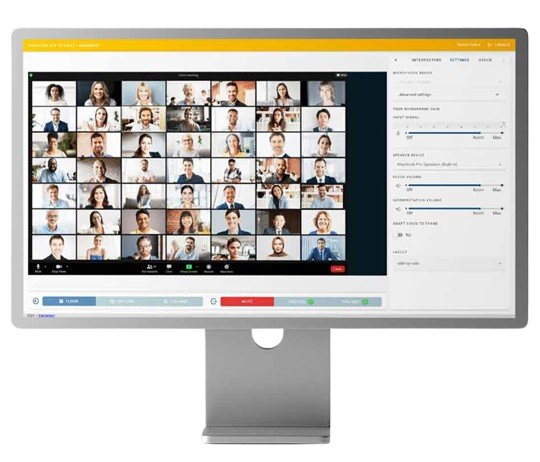
The soft-console allows interpreters to receive both video and floor audio, and transmit their interpretation.
It replicates the key functions of a physical console: :
- Selection of output language
- Control of incoming audio and video
- Relay management
- Text chat with other interpreters or technicians.
It also includes intra-booth features for collaboration with a remote booth partner: :
- Private text and audio-video chat
- Shared notepad
- Handover
For simpler events without technical support, the interpreter can generate a floor-in link to send to the client and receive the floor directly in the soft-console via video call.
SOFT-
CONSOLE
The STREAMER interface enables transmission of audio to the web app from a traditional interpreting system. On a computer connected to the system’s control unit or mixer, via audio interface or Dante® network, the Streamer displays the language channels with corresponding audio input selectors. Interpreters are on-site using traditional consoles managed by the local service provider.
In the case of remote interpreters, the AUDIO-OUT interface allows the local service provider to extract audio channels and route them to its own production setup for any local use: traditional receivers, IEMs, recording, or streaming.
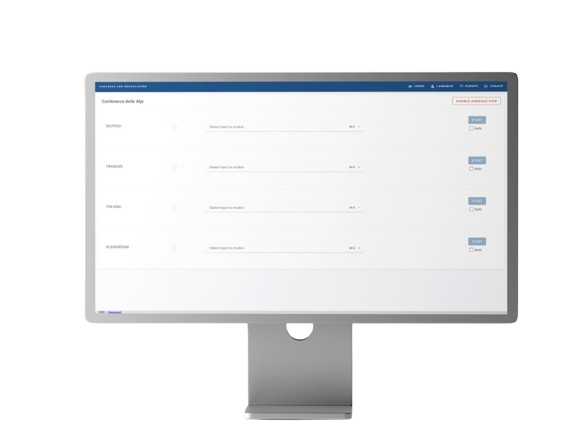
STREAMER
AND AUDIO-OUT
MRSI (Managed RSI -Remote Simultaneous Interpreting) is our turnkey service, offering the highest standards of quality and security thanks to dedicated technologies and technical coverage on both ends (interpreter hub and event location): RSI Hub and RSI Bridge.
Click here to download the architectural specifications.
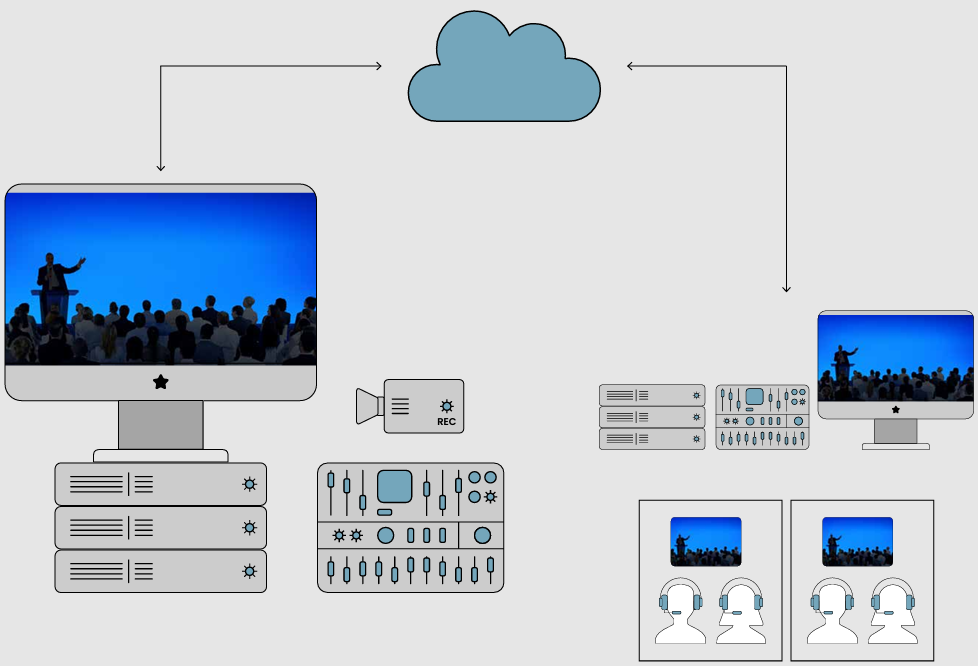
MRSI
MANAGED RSI
Our Milan studio features 14 booths and 3 control ooms, supporting up to 28 interpreters and 8 simultaneous remote events. Equipped with top-tier, fully redundant technologies, it offers greater safety and reliability than any on-site setup..
Click here to learn more about our RSI HUB.
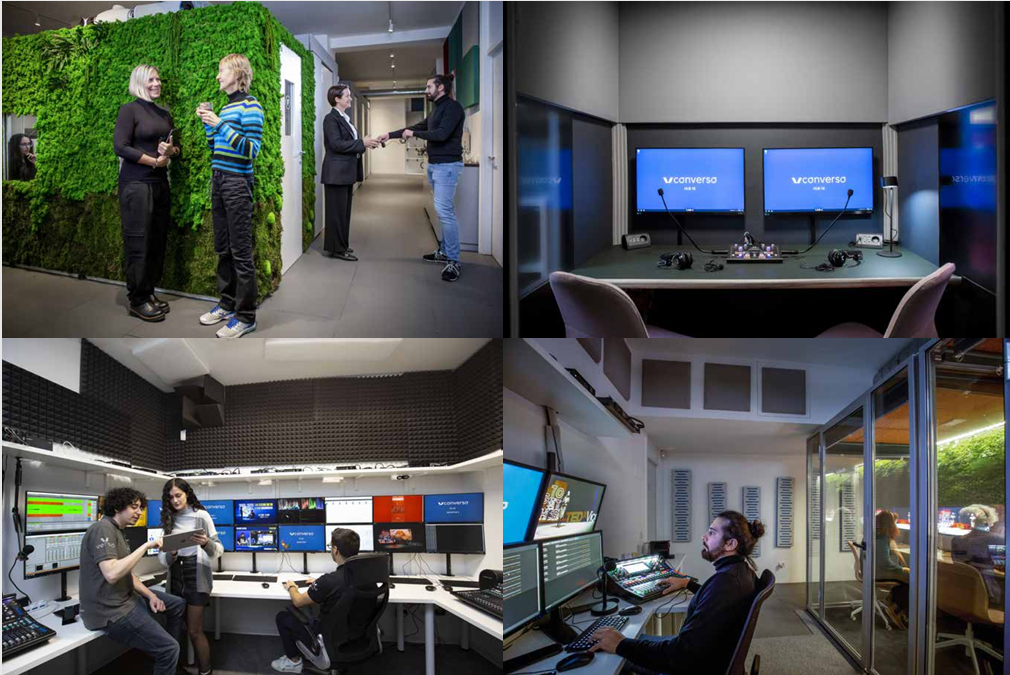
RSI HUB
A set of hardware solutions enabling two-way audio-video connection between a remote location and the RSI hub. It sends the program feed and receives the interpreted languages. Available in multiple formats, from a compact version transportable in a trolley to a full production-grade system with audio, video, and streaming capabilities. With the trolley setup, a technician can reach the venue via public transport or light delivery, providing on-site support at lower cost.
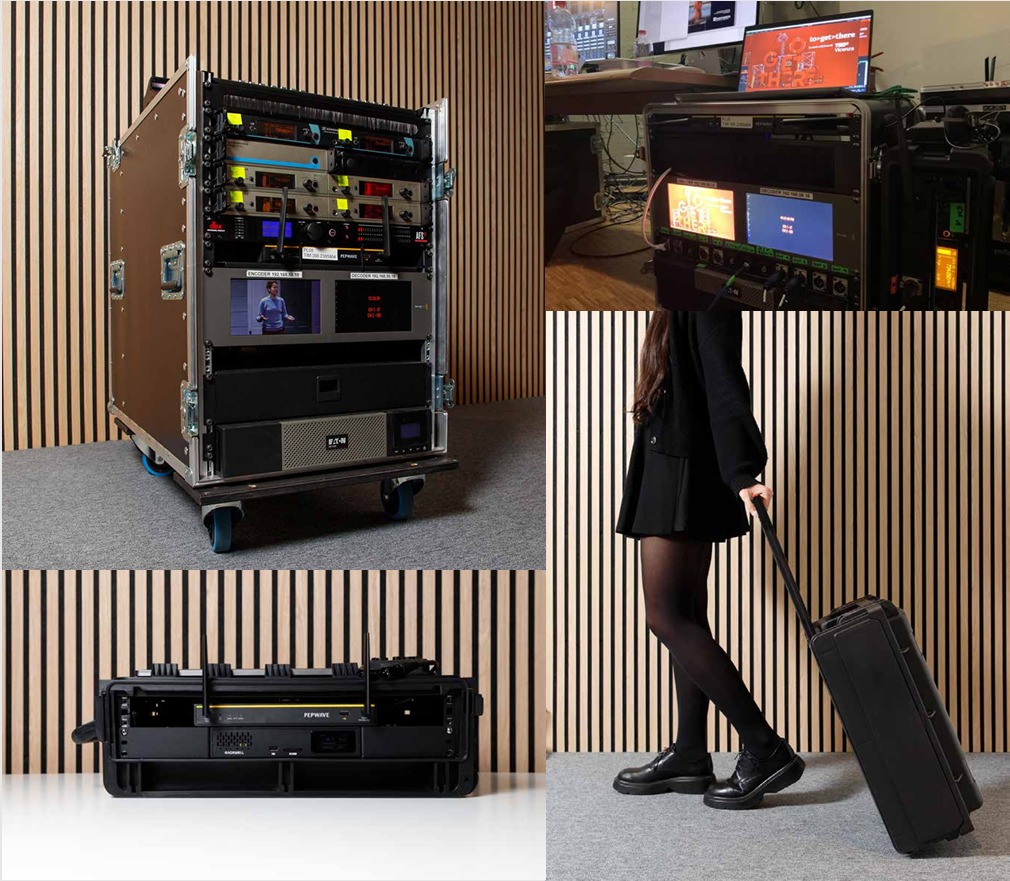
RSI BRIDGE
The smallest and most essential RSI Bridge. Delivered and set up directly by the client, and remotely monitored by a technician from the hub during the event.
- 1 smartphone on tripod,
- 2 wireless microphones
- 1 directional microphone and 1 backup lapel mic
- Dual 4G/5G and wifi connection in bonded mode, managed remotely via VPN
Click here to learn more about TERPMATE.
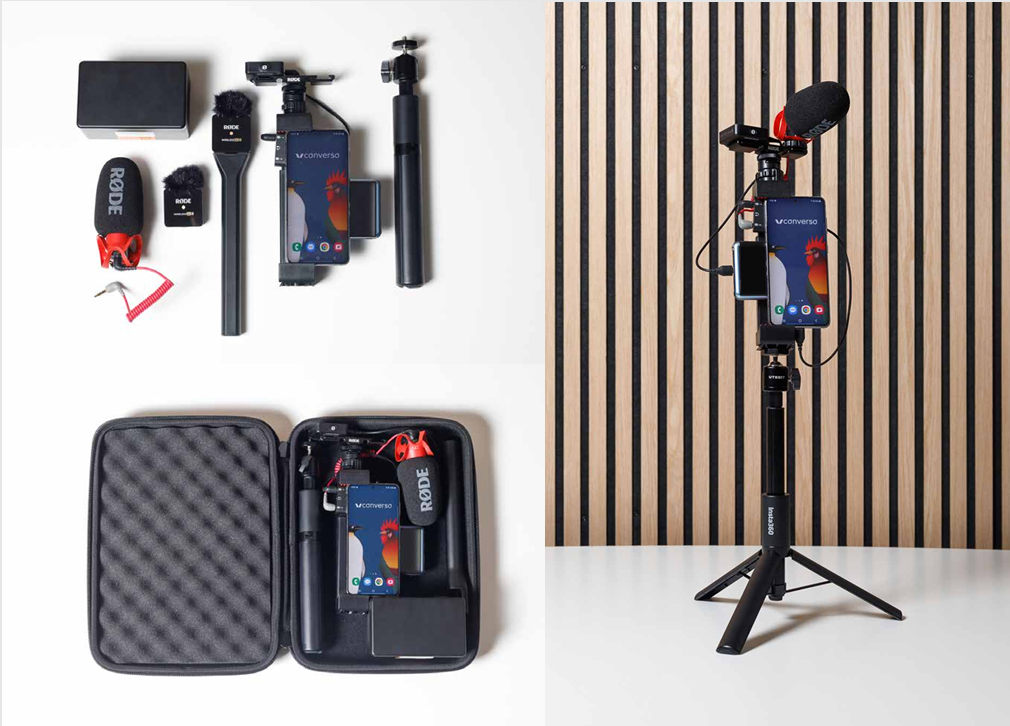
TERPMATE
OUR
PACKAGES
- 1. Digital Bidule
- 2. Web App only with Soft Console
- 3. Web App only with Streamer
- 4. Web App only with interpreters in RSI hub
- 5. RSI Bridge on-site with interpreters working from home
- 6. MRSI (Managed Remote Simultaneous Interpreting): RSI Bridge on-site with interpreters in RSI hub.
Packages vary based on:
- - Interpreters: where they work and what tools they use
- - Floor: who sends it to the interpreters and how
- - Support: online remote, hub remote, on site or none.
Interpreters on on-site with bidule.app
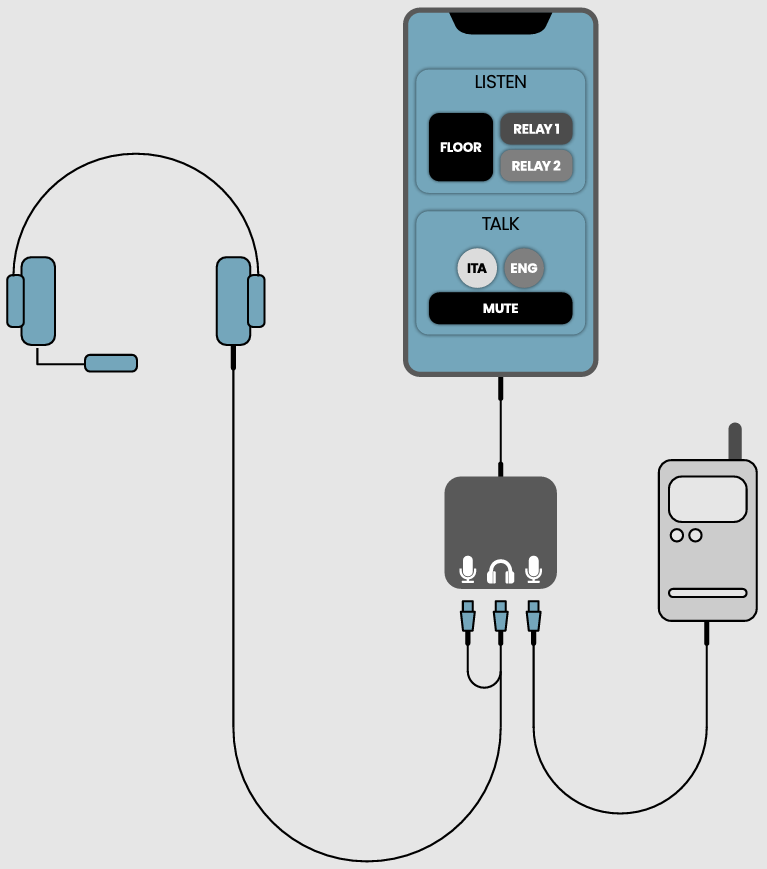
nterpreters can listen to the floor outside the app, for example using their own wireless receiver, by plugging headphones into the room mixer, or even without equipment from the loudspeakers.
Alternatively, with the external mixer accessory, the floor can be connected to the app. This allows interpreters to:
- - Adjust listening volume from within the app
- - Choose between floor and relay channels
In fact, the digital bidule is the only one that is multichannel and relay-capable
Technical support is not required but can be requested.
1. BIDULE
DIGITAL
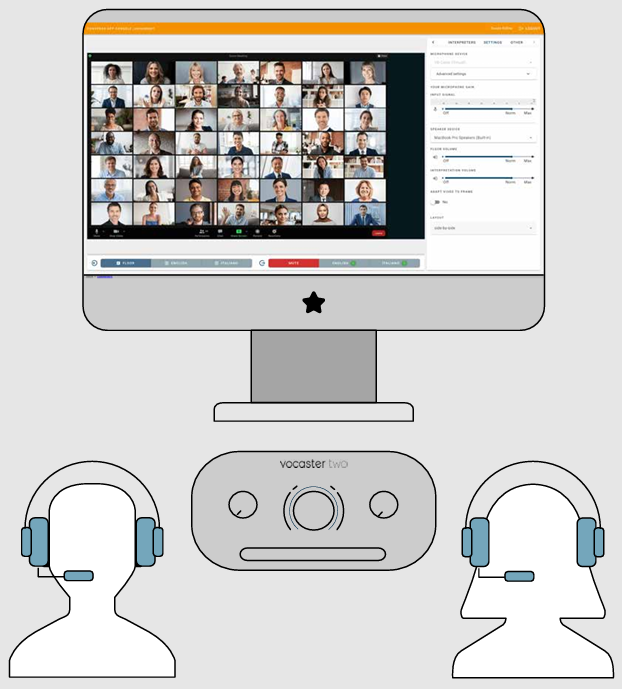
Interpreters can work on-site or from home. From a computer using the soft-console, they have access to the standard features of an interpreter console: mic on/off, output language selection, mute button, and channel selection between floor and relay. The floor can be sent to the soft-console as a closed video feed, allowing interpreters to work from a separate area – for example, when there’s no room for booths in the main venue. Alternatively, interpreters can see the speaker directly and receive the floor via headphones provided by the local audio service, using the soft-console only for output language transmission. The soft-console also includes an intra-booth section for collaboration between booth partners. This feature isn’t needed if the two interpreters are physically together in the same booth, working from a shared computer (an accessory is available to connect 2 headsets and 2 microphones with separate volume control), or if each interpreter is using their own computer. The intra-booth system allows for “hybrid booths”, where one interpreter is on-site and the other is working remotely.
Technical support is not required, given that an on-site audio/video team is almost certainly present, but it can be requested.
2. WEB APP ONLY
WITH SOFT CONSOLE
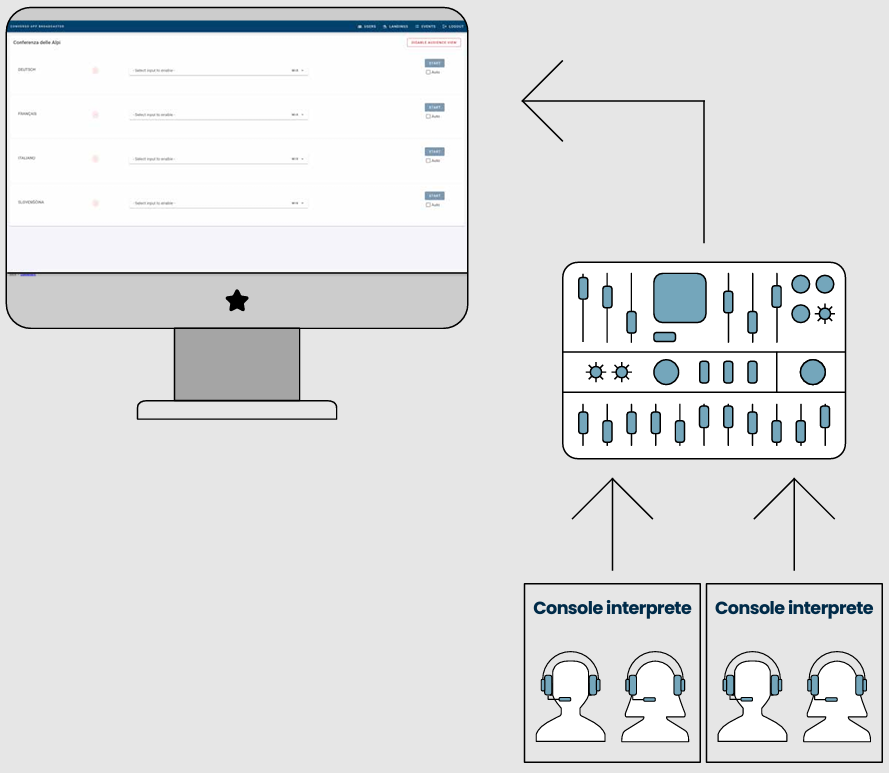
This is a variation of the previous setup, with a streamer instead of the soft-console. The streamer allows audio from an analog system to be transmitted to the web app. Interpreters work using a traditional simultaneous interpreting setup p with physical consoles, control units, etc.
At the output stage, the local service team uses the streamer on a computer equipped with a multichannel audio interface or Dante® network to assign each physical language channel to the corresponding channel in the web app.
Interpreter support is provided by the local interpreting service team. Our remote support for the local team is not required, but can be requested.
3. WEB APP ONLY
WITH STREAMER
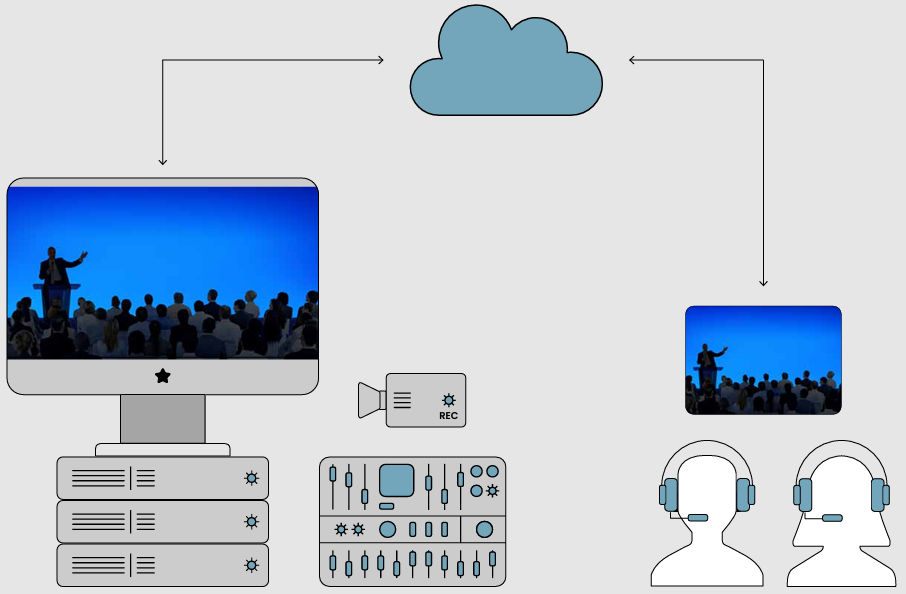
Same as package 2), but with interpreters working from the Converso® RSI hub in Milan.
The floor is managed by the client or the local audio/ video service.
It can be transmitted in several ways:
a) Directly to the web app via our dedicated Floor-in service: a webRTC video call launched directly from a browser. The service team, using a PC with an A/V capture card connected to the audio mixer and video control or webcam, opens the link we provide.
b) via SRT stream: a professional, low-latency point-to-point transmission protocol. The local service must have a hardware or software encoder (vMix, OBS, Wirecast, etc.). A second SRT stream can be used to securely return the interpreted languages to the local service for purposes such as recording, IEM, or streaming.
c) Via a videoconferencing platform chosen by the client, such as Teams, Zoom, Google Meet, Webex, etc. In the case of corporate meetings, the client may already have a room equipped with one of these systems, or may be required by internal policy to use only authorized platforms for external communication. In this case, the client sets up the call and invites our control room in the RSI hub. This method is also useful when the event includes remote speakers or guests, since the same call can be used for both presenters and interpreters.
Technical support in the hub is included for the entire duration of the event, both for interpreters and for remote coordination with the on-site team. Hub services are billed based on the actual duration of the interpreting session: hourly, half-day, or full-day. For short events, not having to set up anything on-site and paying only for the actual interpreting time makes this solution especially cost-effective.

4. WEB APP ONLY
WITH INTERPRETERS IN RSI HUB
This configuration prioritizes on-site support, The service is provided turnkey by a Converso® technician on-site with an RSI Bridge – a dedicated hardware device for bidirectional floor–interpreter connection, available in different models. The RSI Bridge connects to the local control room to capture the audio-video signal, or it can function independently with its own camera and microphones. It transmits the floor to the interpreters, who translate via the web app. The RSI Bridge can also receive the interpreted languages, convert them to analog, and deliver the signals to the control room via audio cables.
5. RSI BRIDGE ON
LOCATION AND INTERPRETERS FROM HOME
MRSI (Managed RSI -Remote Simultaneous Interpreting) is our turnkey service, offering the highest standards of quality and security thanks to dedicated technologies and technical coverage on both ends (interpreter hub and event location): RSI Hub and RSI Bridge.
Click here to download the architectural specifications.
MRSI
MANAGED RSI
ì 
READY WHEN YOU ARE